1. Once signed in to the Ticket Timeline app, visit the profile tab
2. Tap the gear icon in the upper right to go to settings
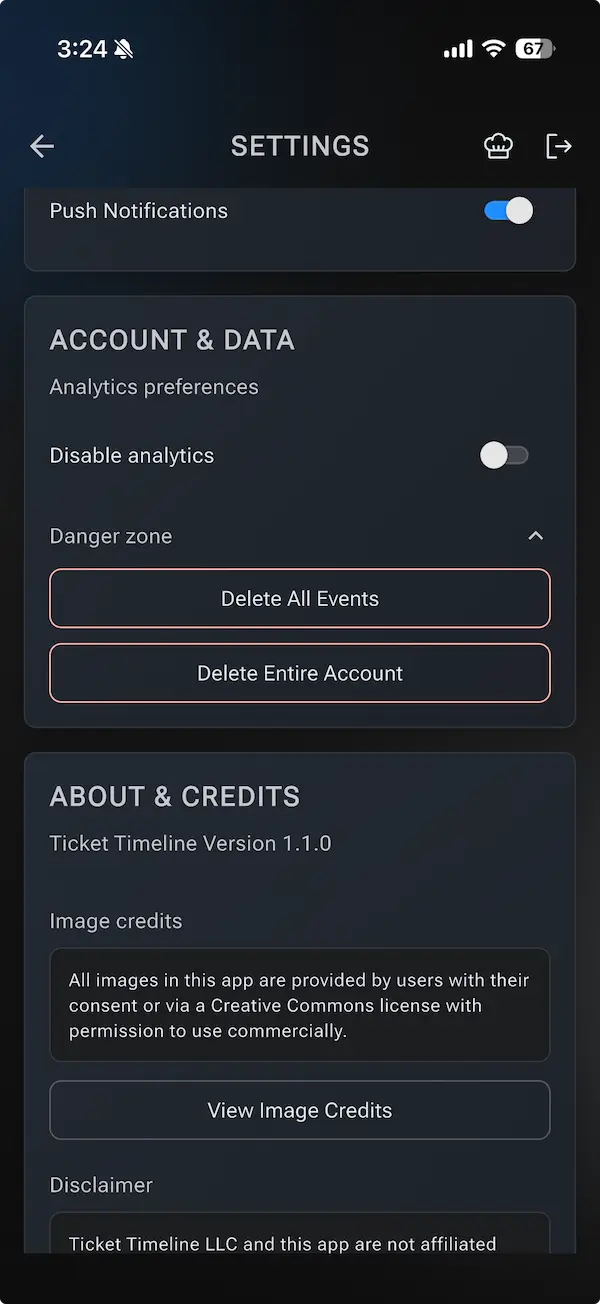
3. Scroll down to Account & Data and look for the "danger zone"
4. Choose the option to Delete All Events (but not the entire account) or Delete Entire Account (which permanently deletes all user data and the account)